
Default Notification Settings
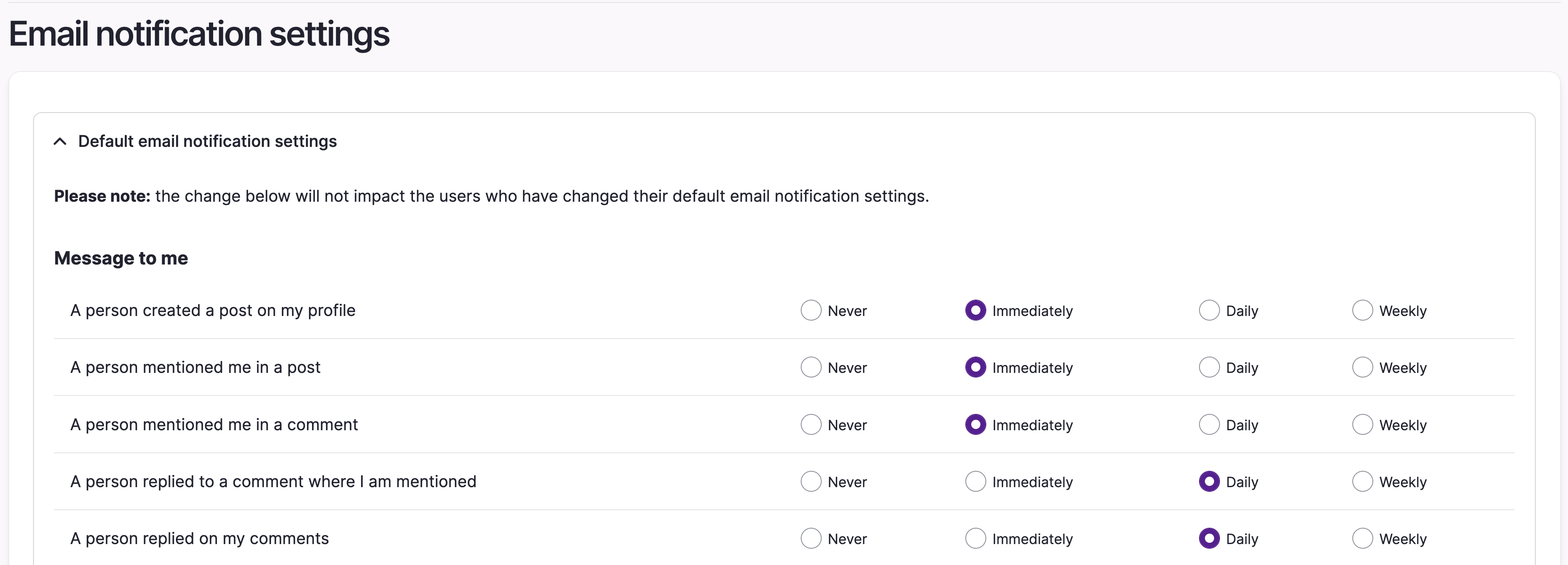
Users can configure email notifications on their settings page. For each email notification, users can choose to receive it immediately, as daily/weekly round-ups, or not at all.
These settings can be adjusted platform-wide via /admin/config/opensocial/mail. Updating these defaults will dictate the default settings for all new users, but will not update existing users, to avoid over-writing any preferences they've updated themselves.
Email Branding/Design
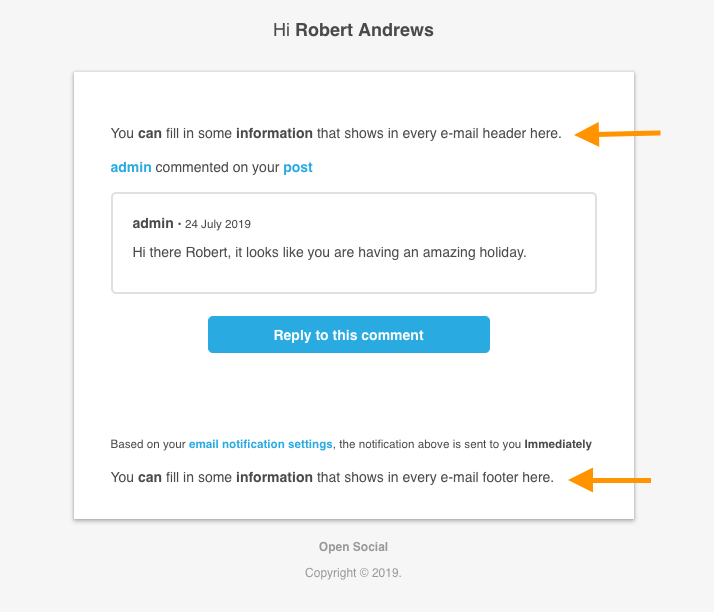
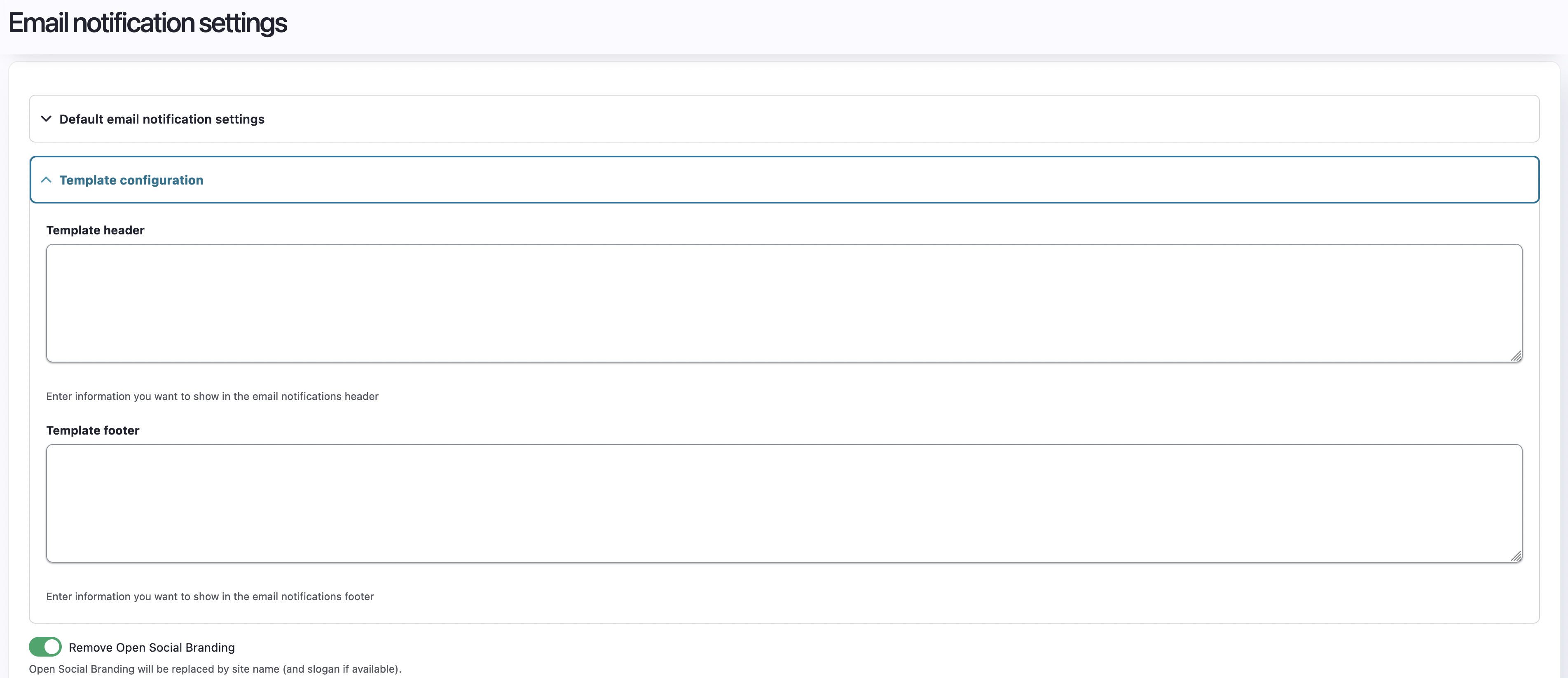
It is also possible in this section to add an additional header or footer to email notifications. This allows site managers to provide a personal touch to their platform notifications with their own branded imagery in the emails.
Below is an example of where the header and the footer are placed.
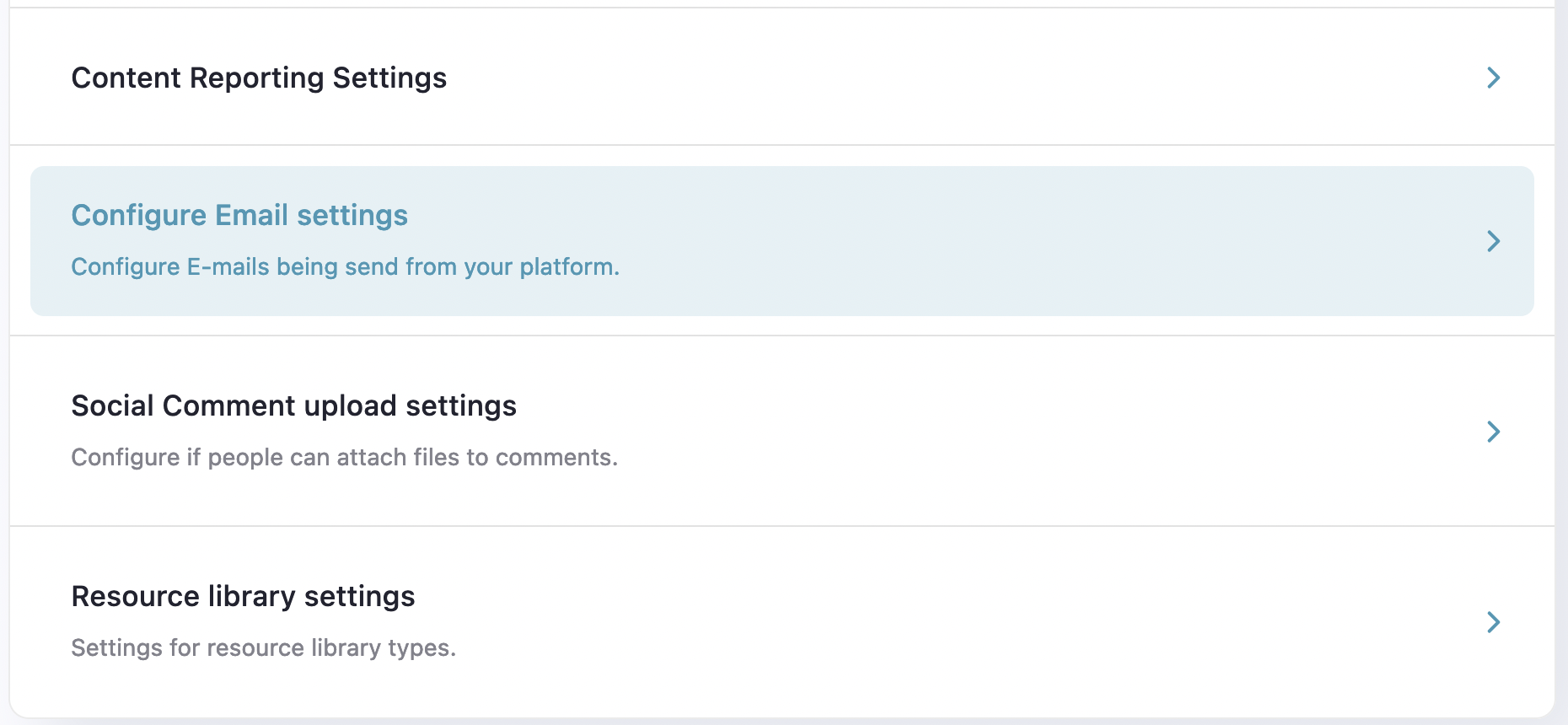
This option is reachable via in your site manager dashboard, under Configuration:
Remember that you can also adjust the logo for emails in Appearance > Change Colours & Styling (Favicon & Logo Guide)