

This page explains how to access Lumina Insights and what you can do once logged in.
How to access Lumina Insights
Lumina Insights is available at:
https://li.<your-domain>Replace <your-domain> with your platform's domain (for example, https://li.example.com).
Logging in
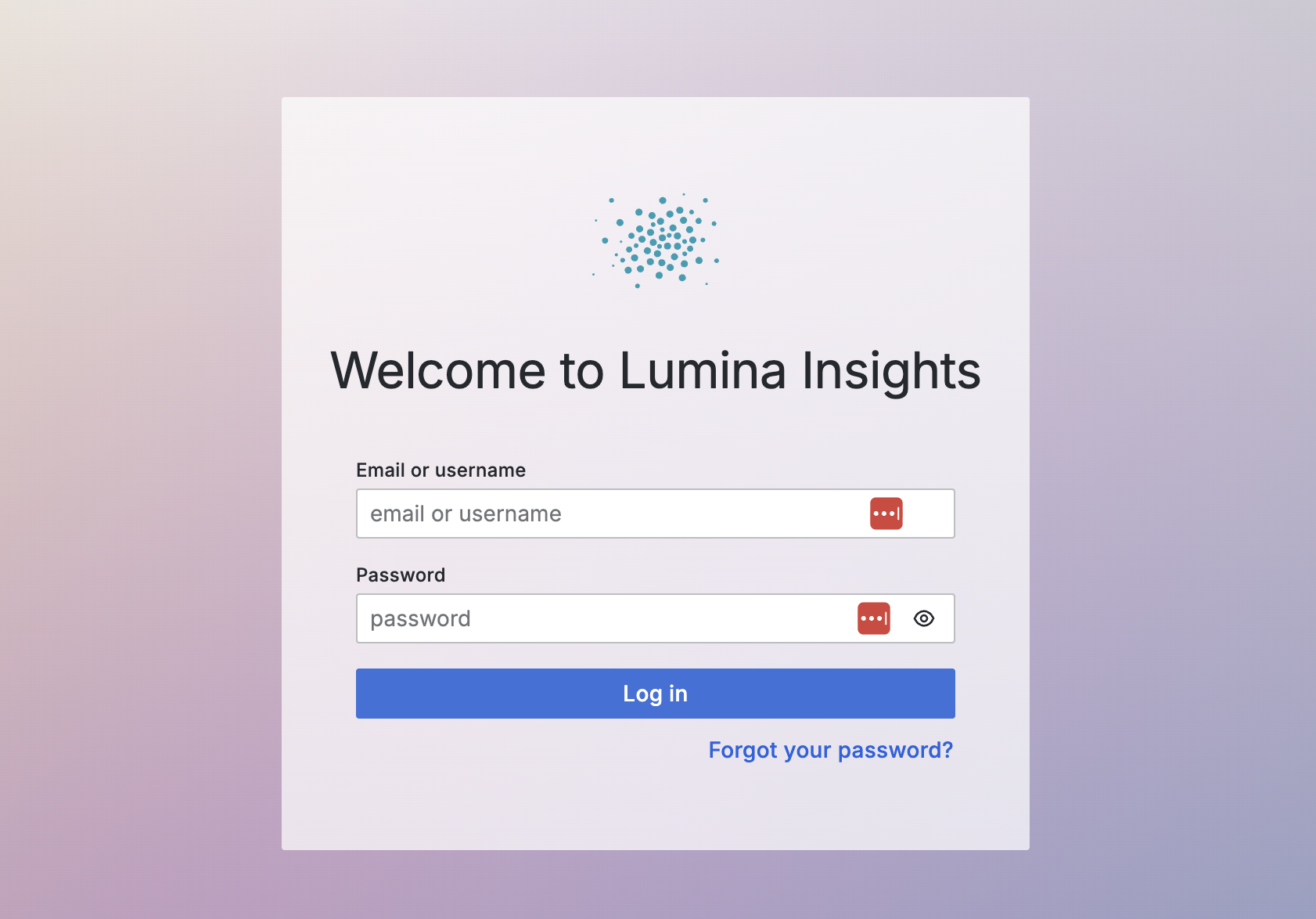
You can log in with the username and password provided to you by Open Social.
Accounts are created by Open Social on request. To request a new account, contact the Open Social Support desk.
Resetting your password
You can reset your password by navigating to the login page and clicking on "Forgot your password?". Enter your username or email address and follow the further instructions.
You can also contact the Open Social Support desk if you require any help.
Roles and permissions
All accounts currently have viewer access. This means you can:
- View all available dashboards and metrics.
- Adjust time ranges and apply filters to explore the data.
- Hover over visualizations to see detailed tooltips and descriptions.
- Export the underlying data of visualizations.
You cannot, as of now, modify dashboards or their underlying configurations. Additional roles and permissions may become available in the future.
Getting help
If you have trouble accessing Lumina Insights or need assistance with your account, please reach out to the Open Social Support desk.