

This page explains how the Content Reporting feature works for regular users, content managers, and site managers.
This feature is enabled by default. If you wish to turn it off, please contact [email protected]
1. Easily Report Inappropriate Content
This feature allows users in the community to report inappropriate, abusive or spam content. Content managers+ will receive a notification when this occurs, so they can unpublish the content or take action such as contact the author so they can edit it or delete it right away.
2. Content Reporting Settings
The Content Reporting settings can be found in:
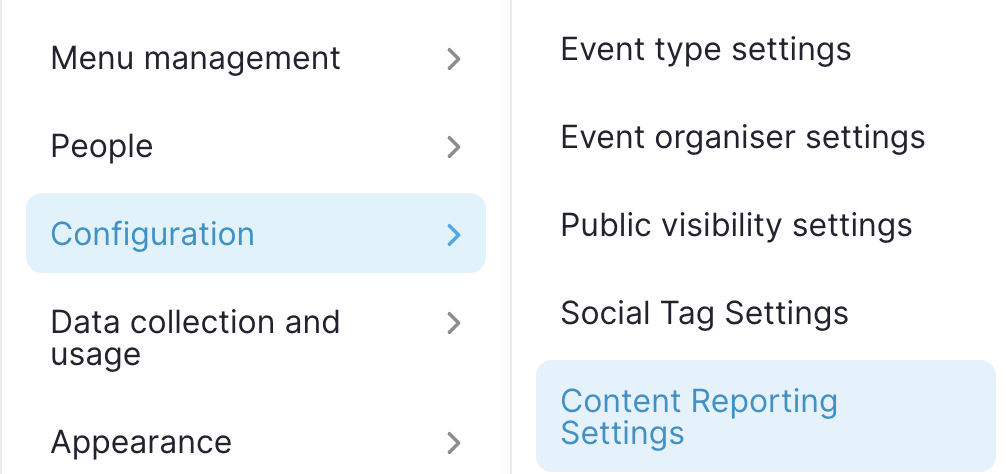
'Configuration' > 'Content Reporting settings'
/admin/config/opensocial/content-reporting
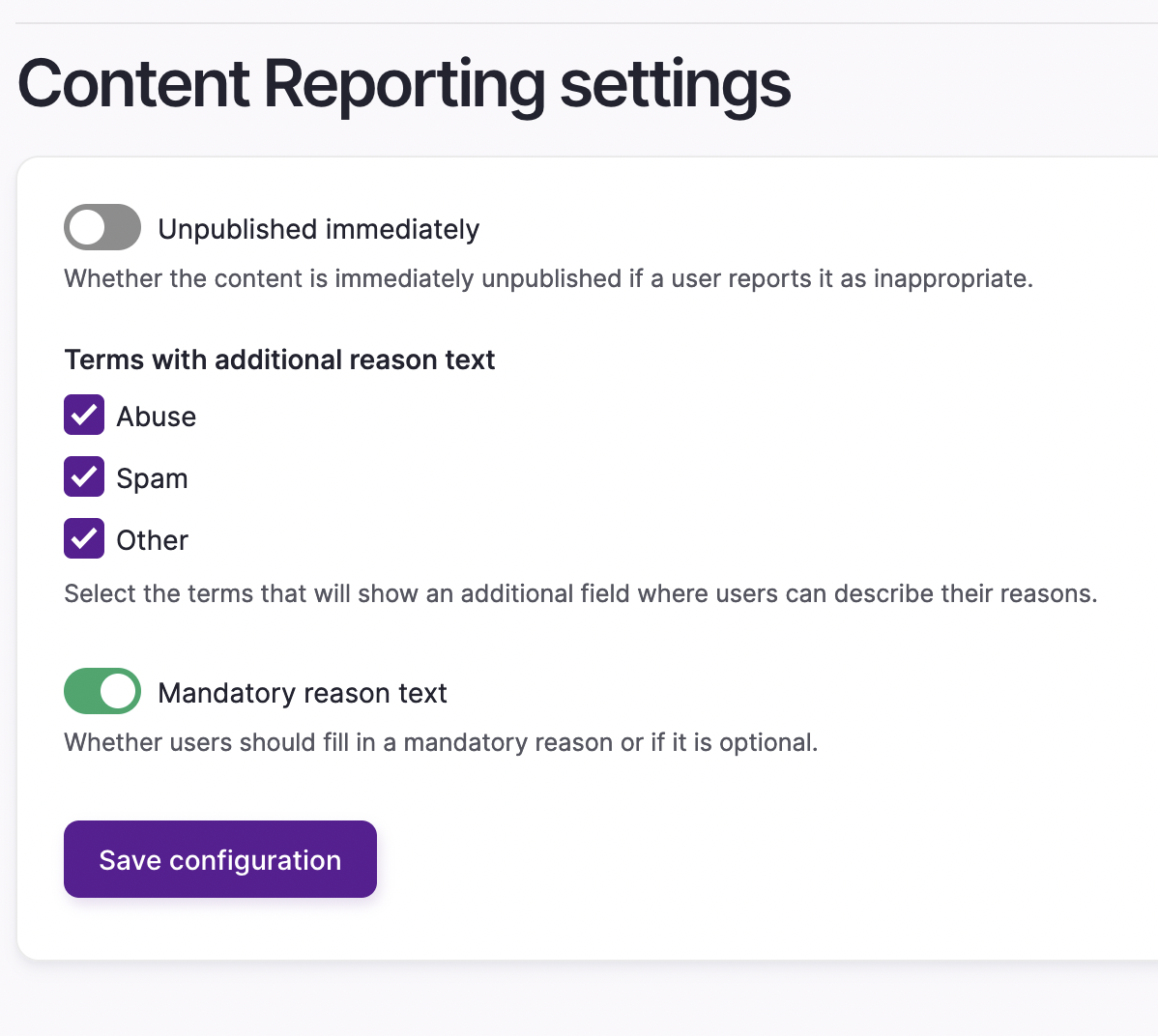
Here, Site Managers can decide if reported content or comments should immediately be unpublished, meaning no one else will see them. Site managers can obviously reverse this process when they review the reported content, and choose to re-publish items that are incorrectly reported.
The other settings available here allow you to select if/when a selected reason should be accompanied by a text box, so the user can provide more info. You can also decide if filling in this box is mandatory.
For clarity, the example below means that content is not unpublished immediately, so the site manager needs to be proactive with responding to reports to remove inappropriate content themselves. Users are also required to give additional information for all types of reported content (abuse, spam, other):
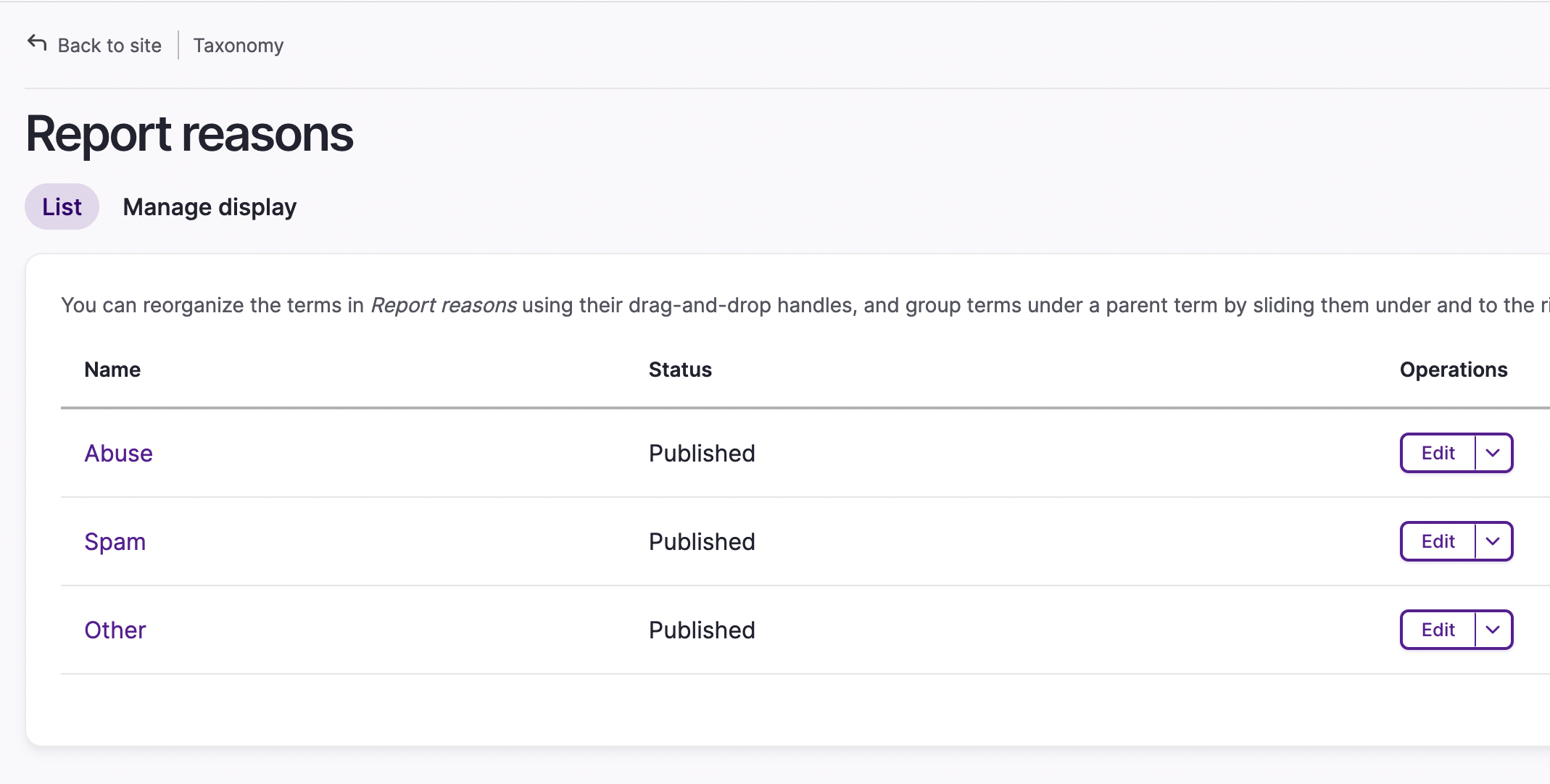
If you don't want to adjust or add-to these potential report reasons, you can do that via the Taxonomy. Just navigate to Report Reasons and add some more!
3. Reporting Content
When a user is logged into the community, Comments, Posts, and other content types have a drop-down menu in the right corner with a Report link. Content can be reported only once.
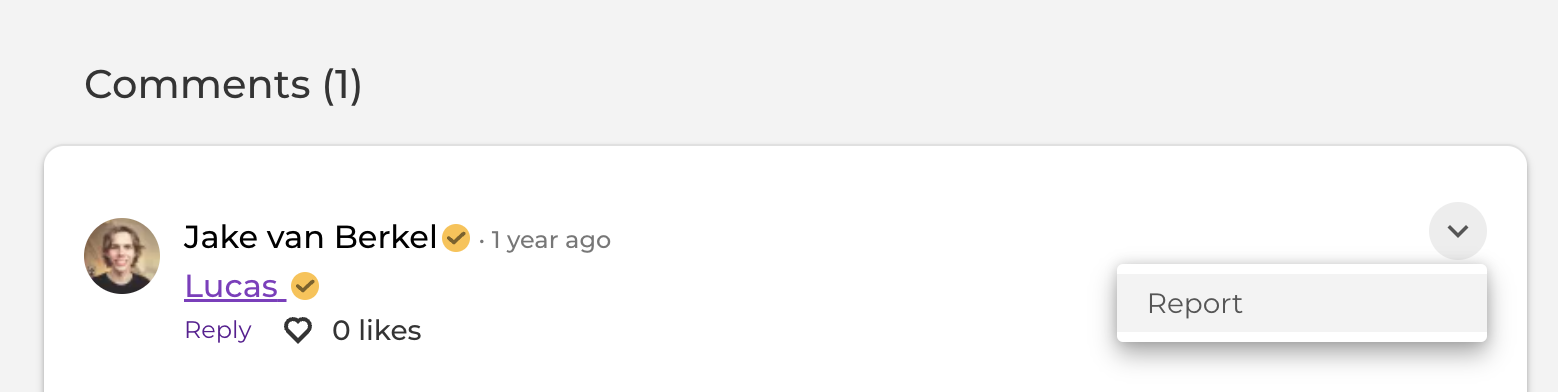
When a user clicks on this link, a text box will appear with the opportunity to choose a reason and, if requested, an explanation. The user receives a notification that the content was reported successfully. The site manager will receive an email and a notification in the notification center. .
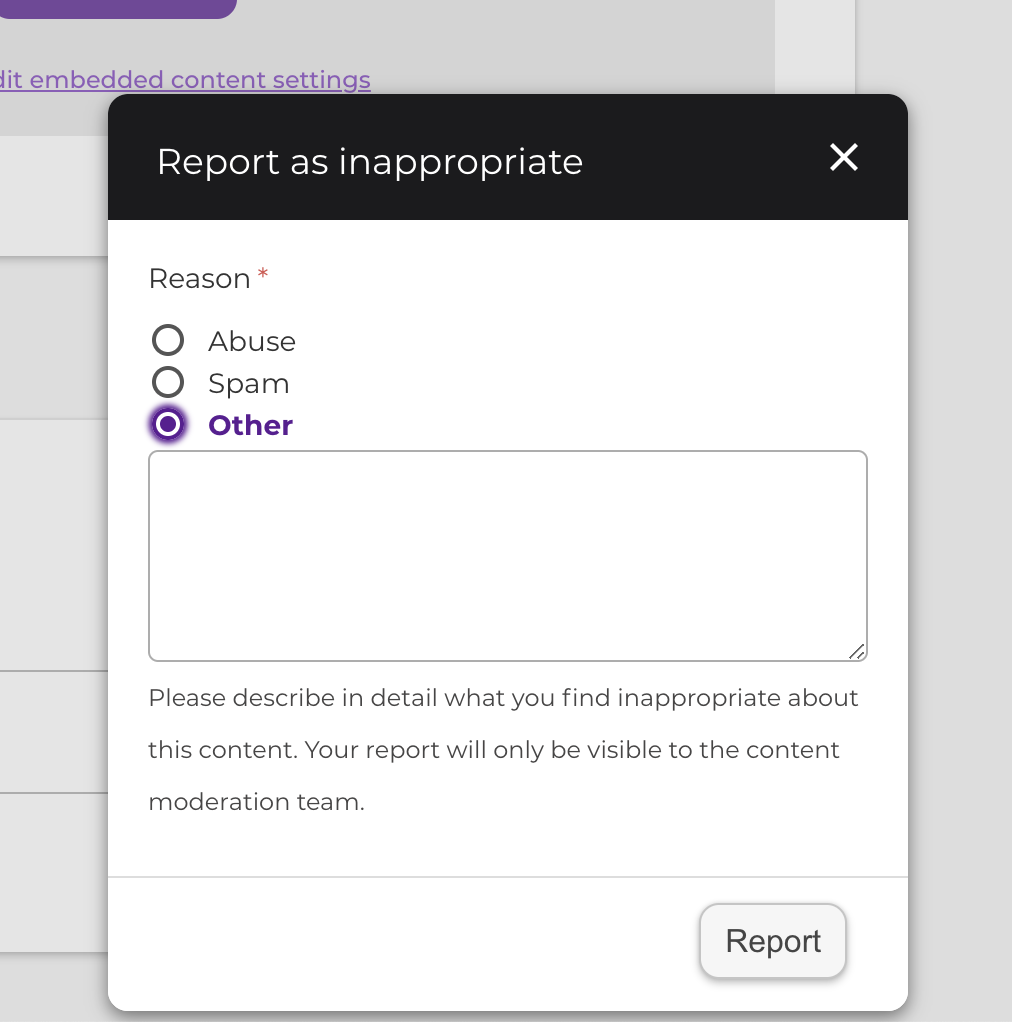
On their account settings page, site managers can determine whether they receive these kinds of emails immediately or as a digest on a daily or weekly basis.
4. Managing Reported Content
All the reported content can be managed in an overview. You can reach this overview via 'Content' > 'Reports'.
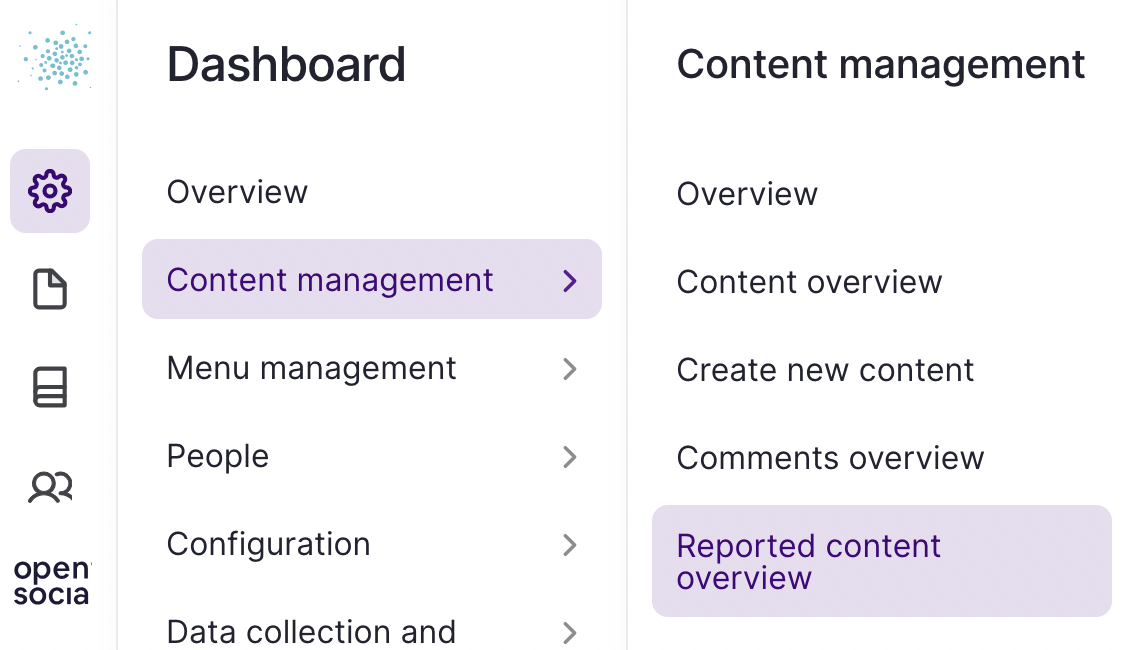
In this overview, you can see the 'Reporter', 'Author', 'Reason' and the 'Description'. The content manager or site manager can view, edit or close the reported content. This way, the overview can stay up to date after processing the content.