

Gaia AI manual›Setting up Gaia AI›Gaia AI chatbot
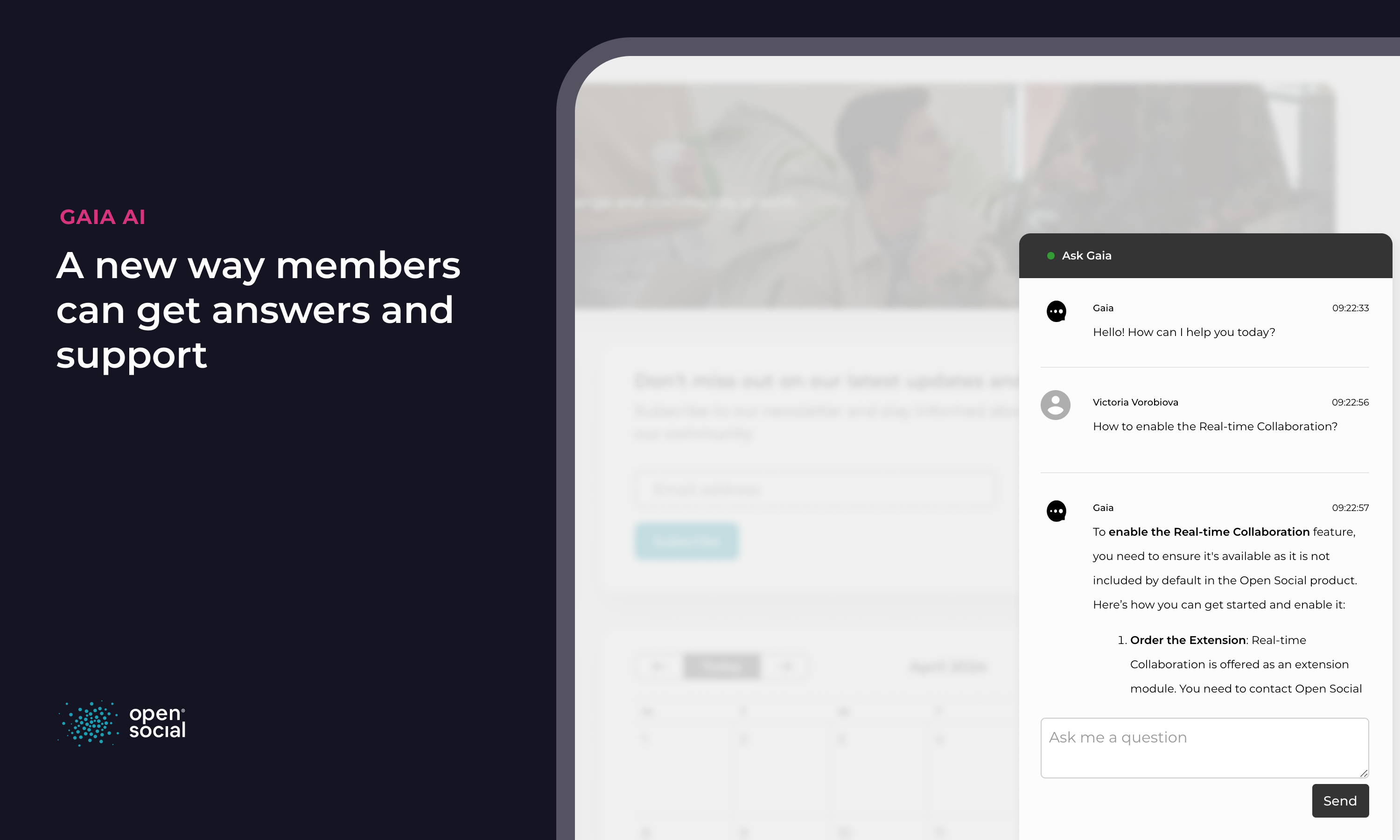
The Gaia AI chatbot lets members ask questions in plain language and get an answer based on the content in your platform: pages, topics, events and other public or member content they are allowed to see. Each answer links to the sources it used, so members can read further.
How members use it
The chatbot appears in the bottom-right corner of the screen. Members type a question, for example "When is the next working group meeting?" or "Where can I find the onboarding guide?", and get a short answer with links.
How it works
Gaia AI indexes your platform's content. When a member asks a question, it finds the most relevant pieces and lets the AI model write an answer from those pieces only. This keeps answers grounded in your own knowledge, not in general internet knowledge.
Set it up
- Go to Dashboard > Configuration > Gaia Settings > Chatbot.
- Choose the assistant settings for your community.
- Choose which roles can see the chatbot.
Good to know: the chatbot only uses content the member is allowed to see. Answers are generated by AI, so for important decisions members should check the linked sources.
← Previous: Setting up Gaia AINext: Gaia AI editor assistant →