

Gaia AI manual›Setting up Gaia AI›Gaia AI editor assistant
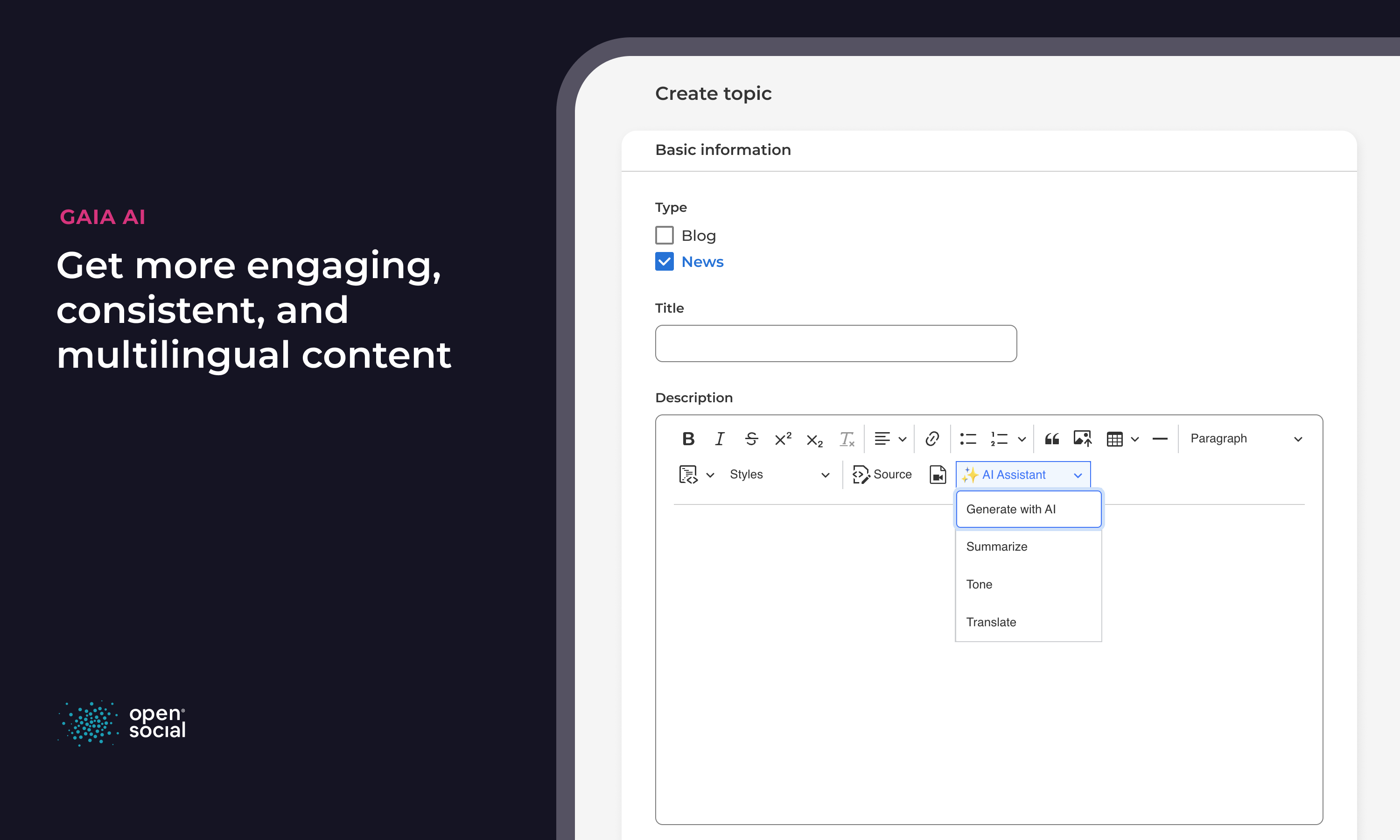
The editor assistant helps authors write and improve content directly in the editor. Look for the AI Assistant icon in the editor toolbar when you create or edit a topic, event, page or other content.
What it can do
Generate content
Describe what you need, for example "a short invitation for our annual meeting", and the assistant writes a first draft you can edit.
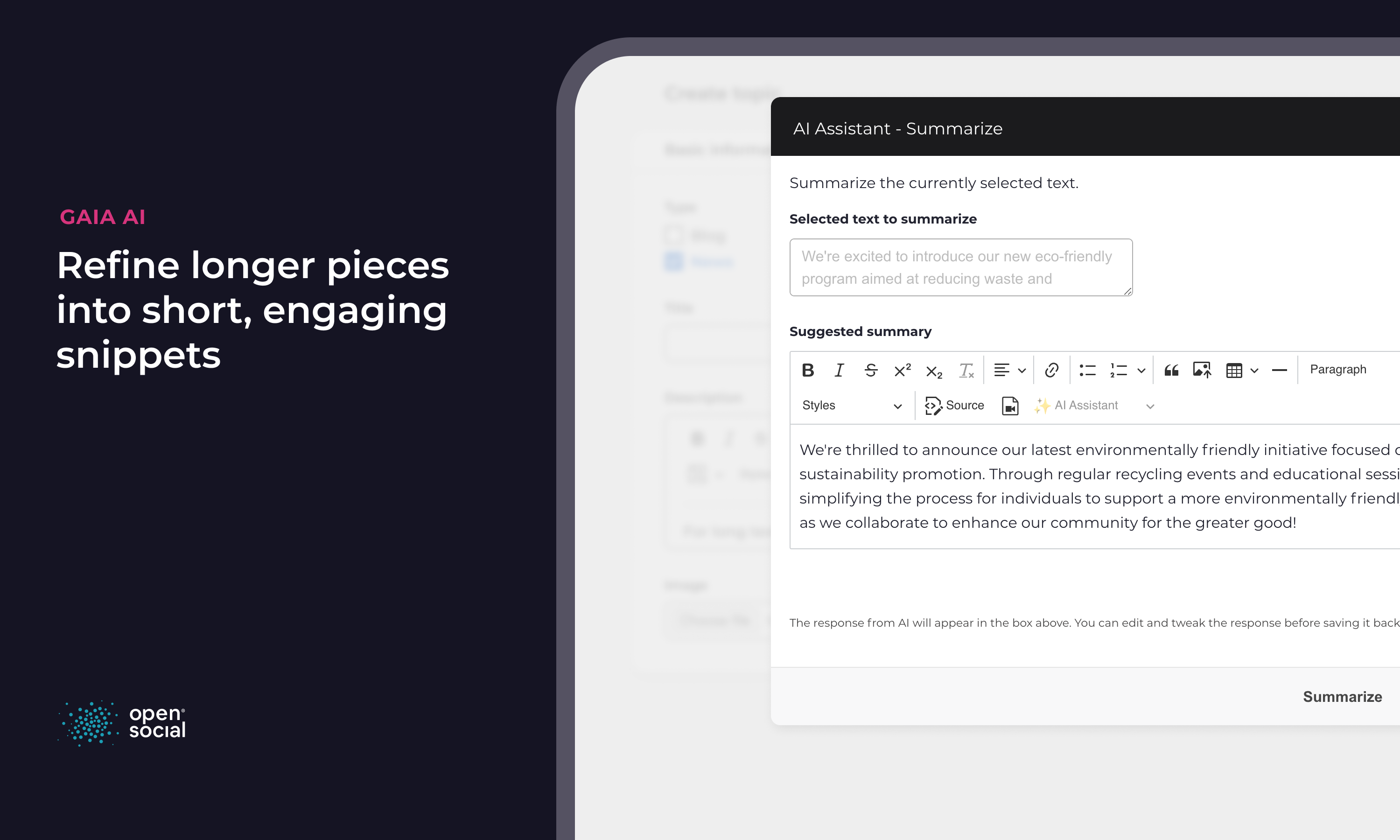
Summarise
Select a long text and let the assistant write a shorter version, for example for an introduction or a newsletter.
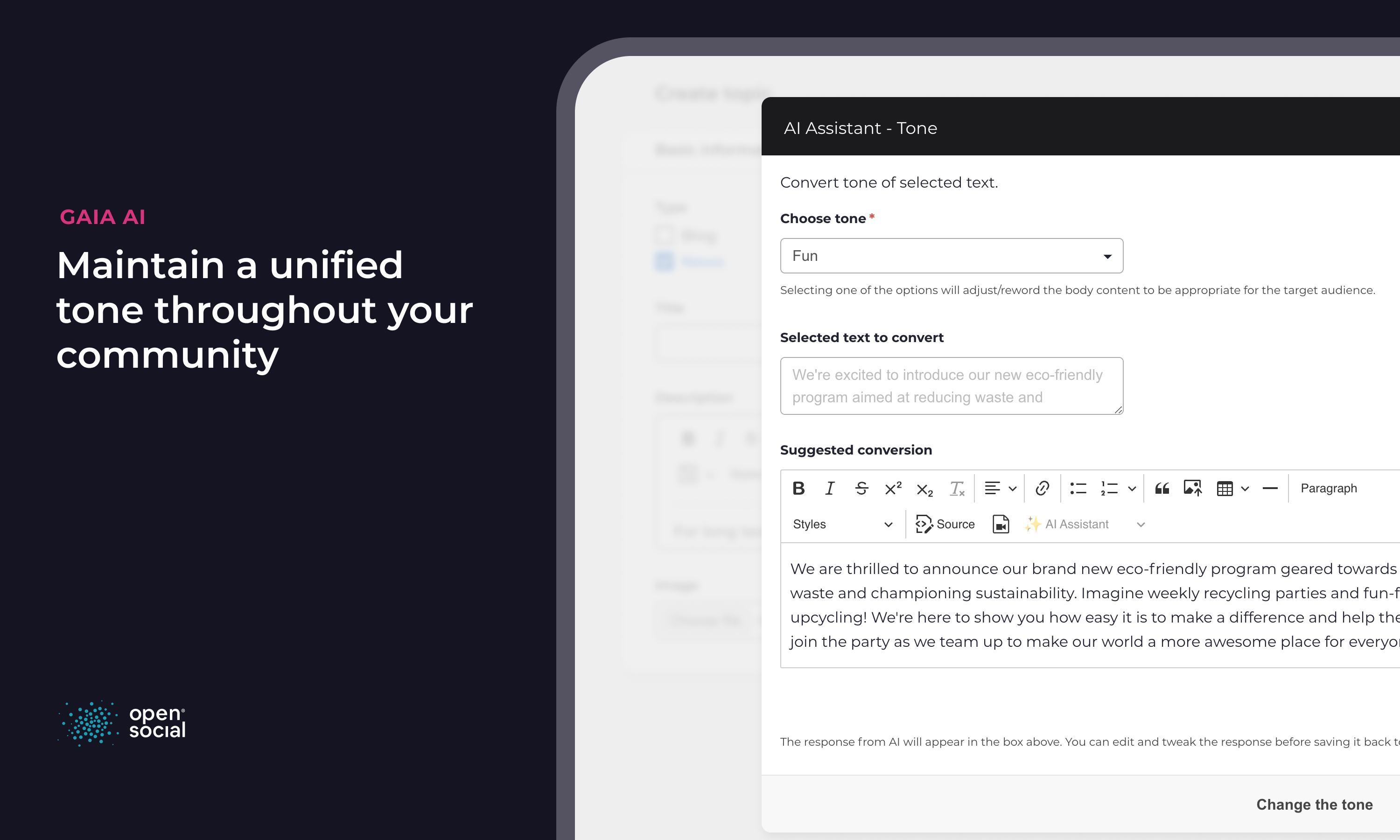
Change the tone
Rewrite selected text in another tone of voice, such as more formal or more friendly. Site managers manage the available tones under Taxonomy > Gaia AI Supported Tone of Voice.
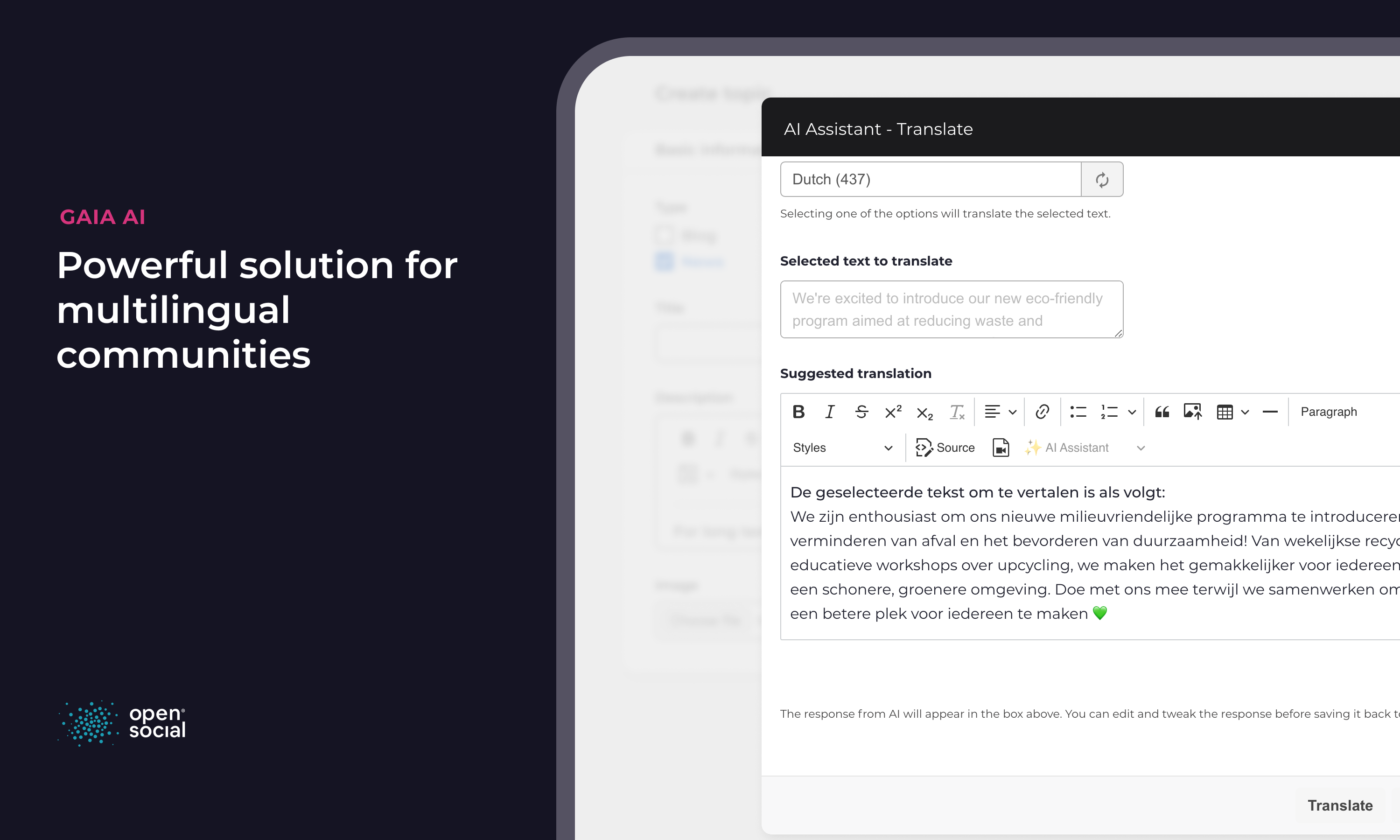
Translate
Translate selected text into one of the languages your site manager has made available.
You stay in control. The assistant only suggests text. Nothing is published until you review it and save.
← Previous: Gaia AI chatbotNext: Gaia AI relevancy score →