

There are a few settings for Site managers related to the content tag feature:
- Site Managers can configure the content tags on the platform. Site managers can add as many tag sets as needed. Go to the dashboard > taxonomy settings. And click on list terms in the Content Tags taxonomy.
It's important to know that the tagging function is only available to regular users when there is at least one tag configured in a tag category.
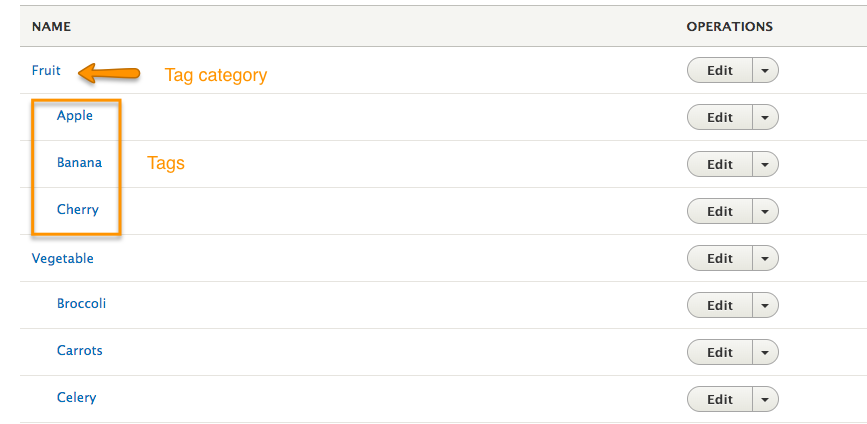
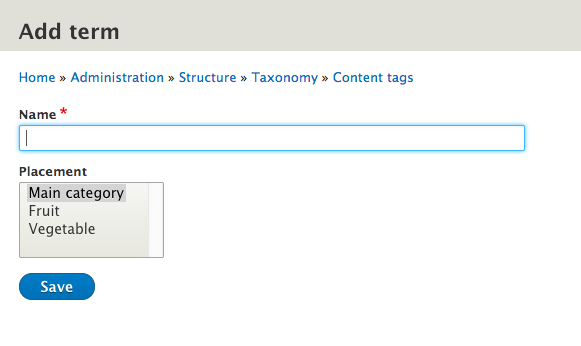
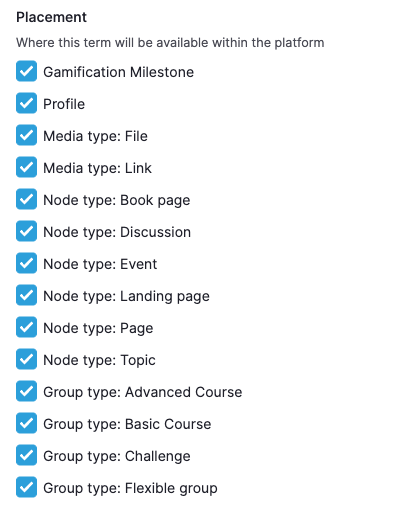
Each content tag category can be used in one or multiple entities. This means that events can use a different set of tags than topics for example.
- Site managers can disable or enable the content tagging function. Site managers can find this function in the 'social tag settings' section of the dashboard.
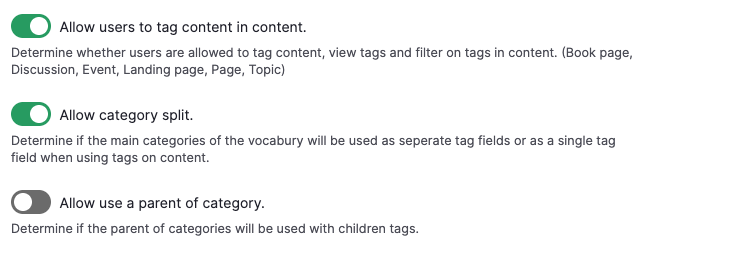
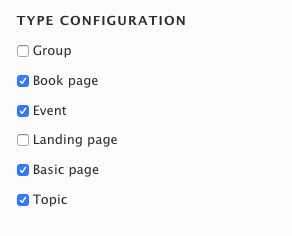
- Enable Content Tagging per content type
If you enable the content tags, you can also determine on which content type the tagging feature should be enabled. Just select the relevant content types and save the configuration.
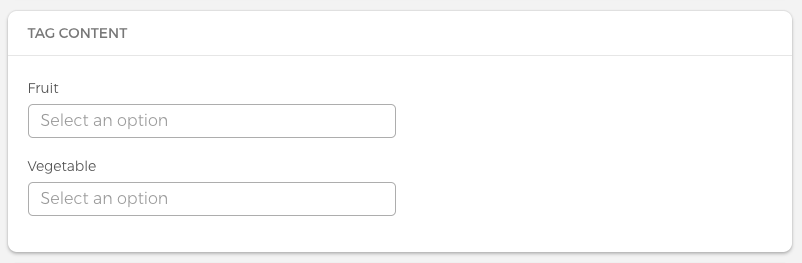
Category spit The content tagging category spit allows users to tag content with multiple tag sets. If this function is disabled, users can only tag content with one tag set. Site managers can find this function in the 'social tag settings' section of the dashboard.
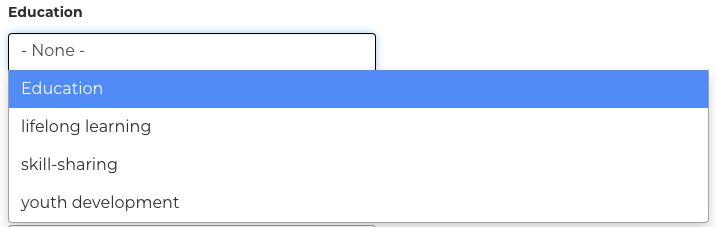
When category split is enabled:
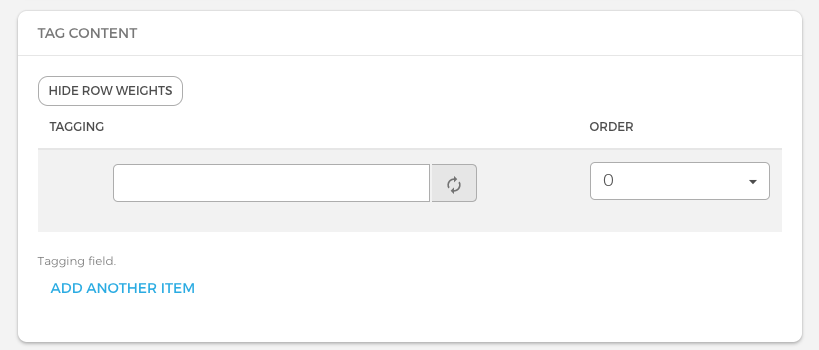
When the category split is disabled:
Allow use a parent category - This setting makes the parent available as a selectable tag
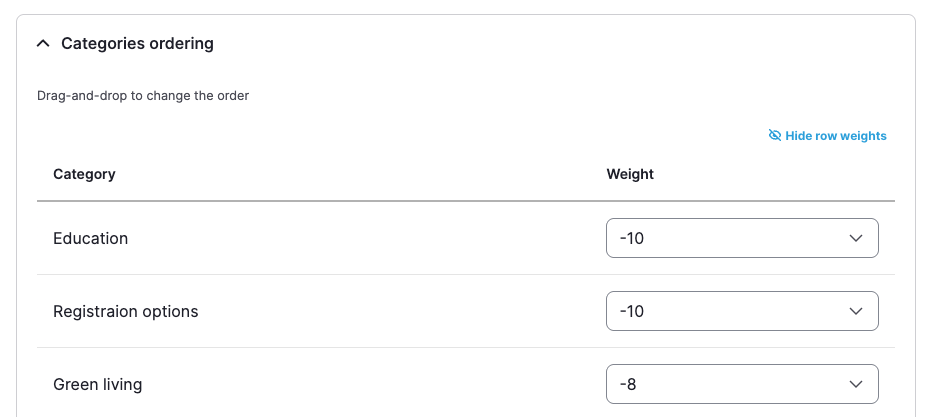
- Categories ordering
A Site Manager can decide the order of how tags categories are going to be displayed in the creation forms