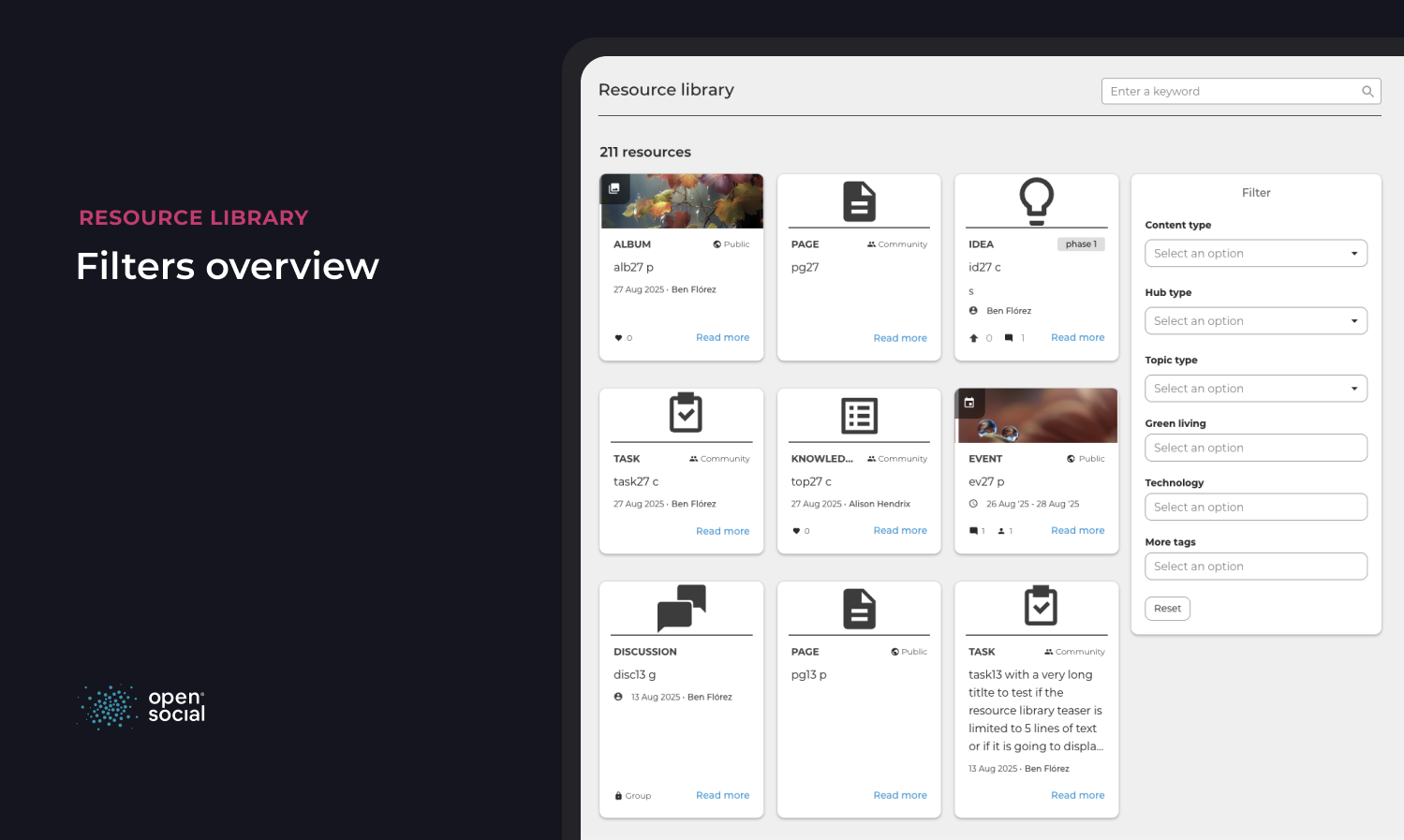


Resource Library Feature
This chapter explains how the Resource Library feature works for regular users, site managers, and content managers.
Note: This feature is not part of the default CMS, but can be enabled upon request.
What is the Resource Library?
The Resource Library is a directory of selected content picked by the community managers (i.e. manuals, research papers, and company news). In the Resource Library you can:
- Keep all content files in one place and organize them in a folder structure.
- Navigate the content using the search functionality to quickly find items.
- Encourage the serendipitous discovery of content.
Thus, it allows your members to efficiently access and uses the shared knowledge of your community.
You can access the resource library via the URL path: /search/resources
How to add Content to the Library
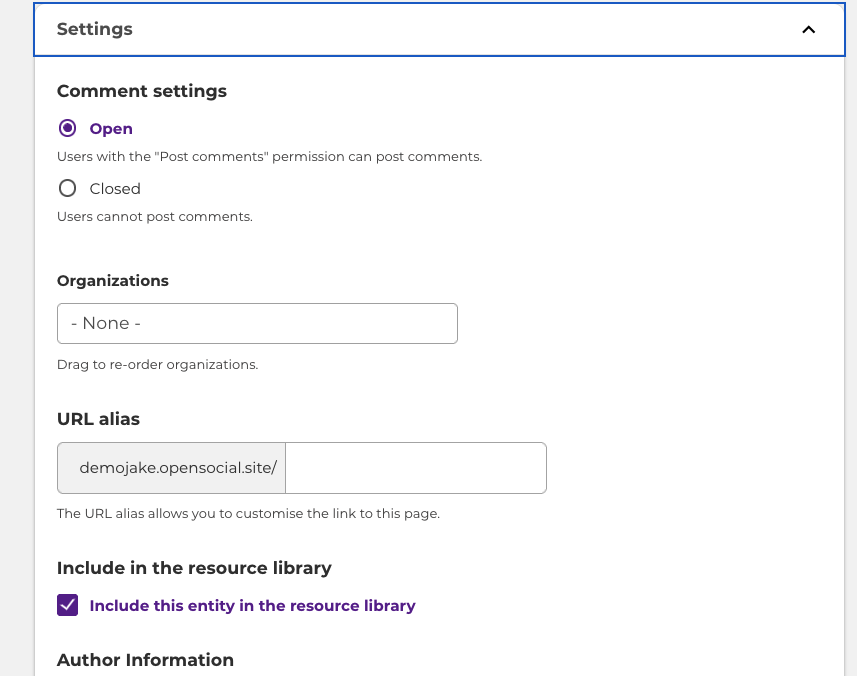
As a Community Manager, you can add content (topics) to the resource library. You can add content through the edit page of a specific topic. On the bottom of each edit topic page, expand the Settings and select the "Include in the resource library" option.
You can update these settings site-wide by navigating to Configuration > Resource Library Settings (/admin/config/opensocial/resource-library).
Here you can select whether new content should automatically be added to the resource library: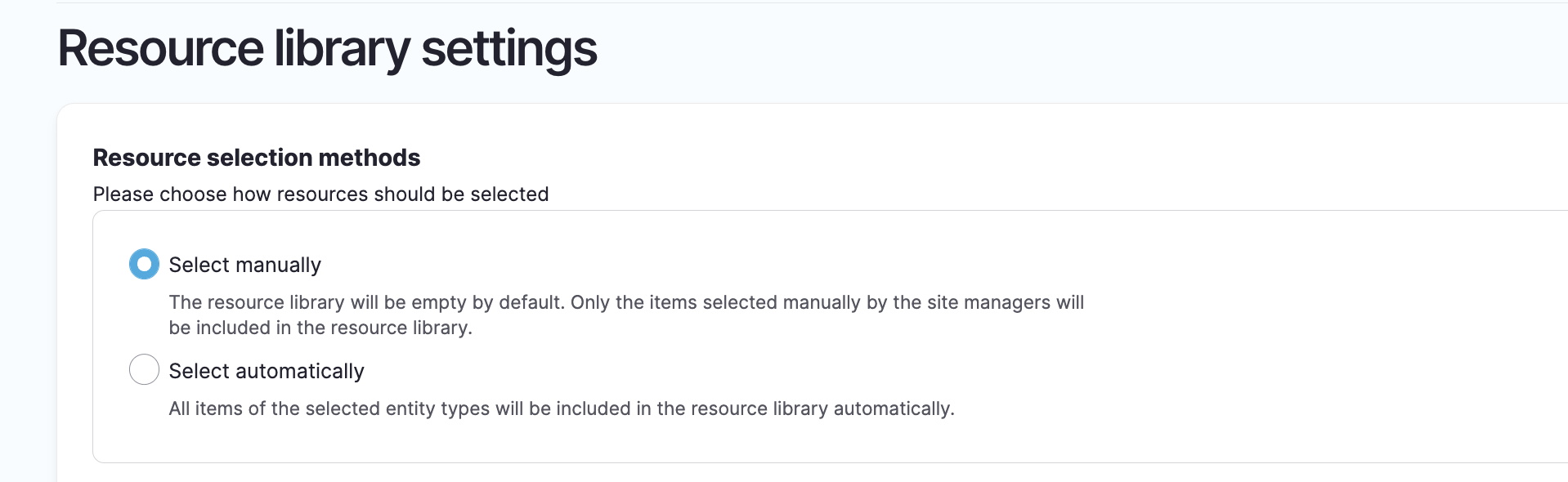
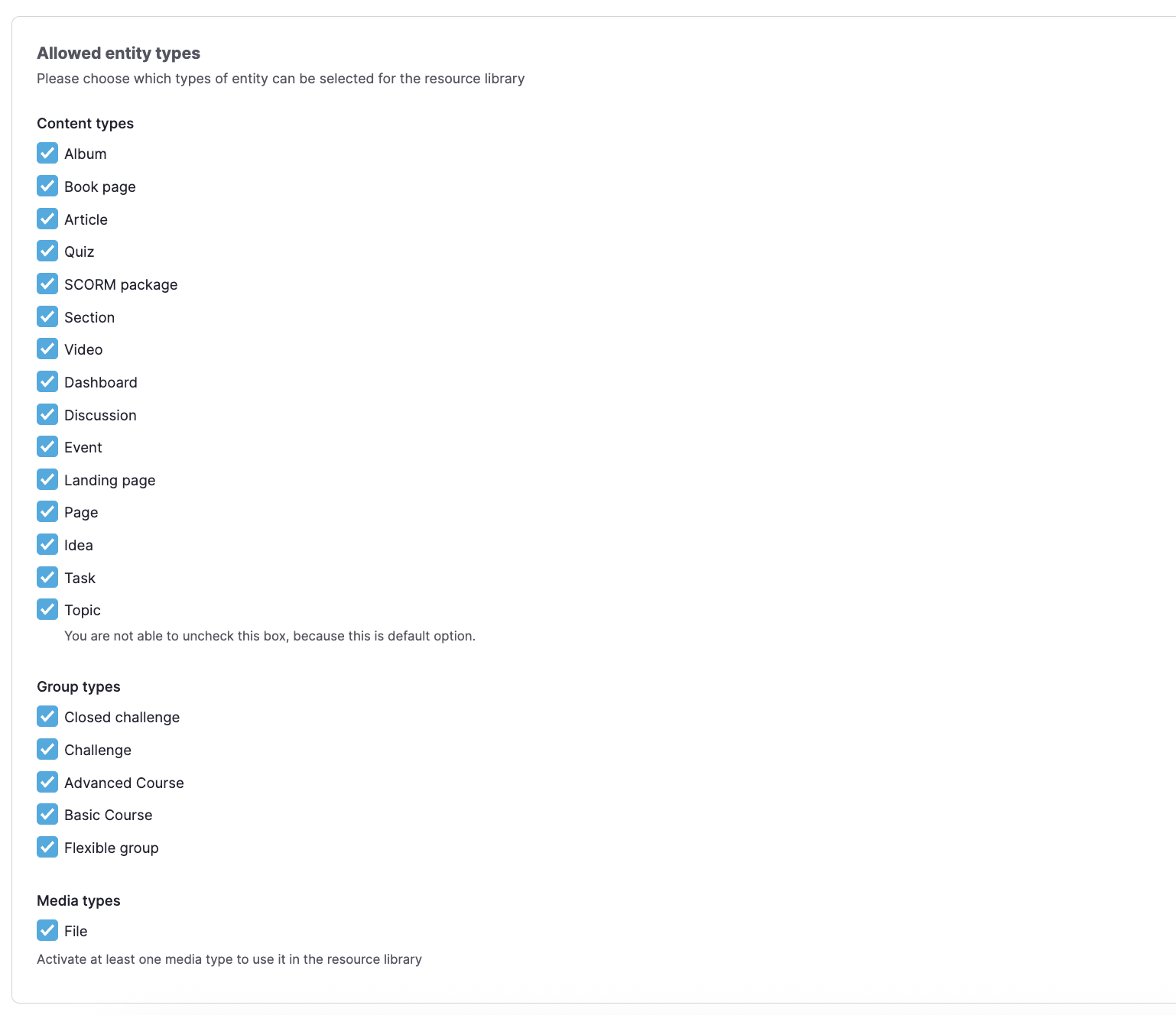
You can decide which entities can be added to the resource library. A vast selection is available:
Filters can be connected with an OR or AND condition allowing for wider or more selective search criteria:
Filters can be enabled, disabled or re-ordered: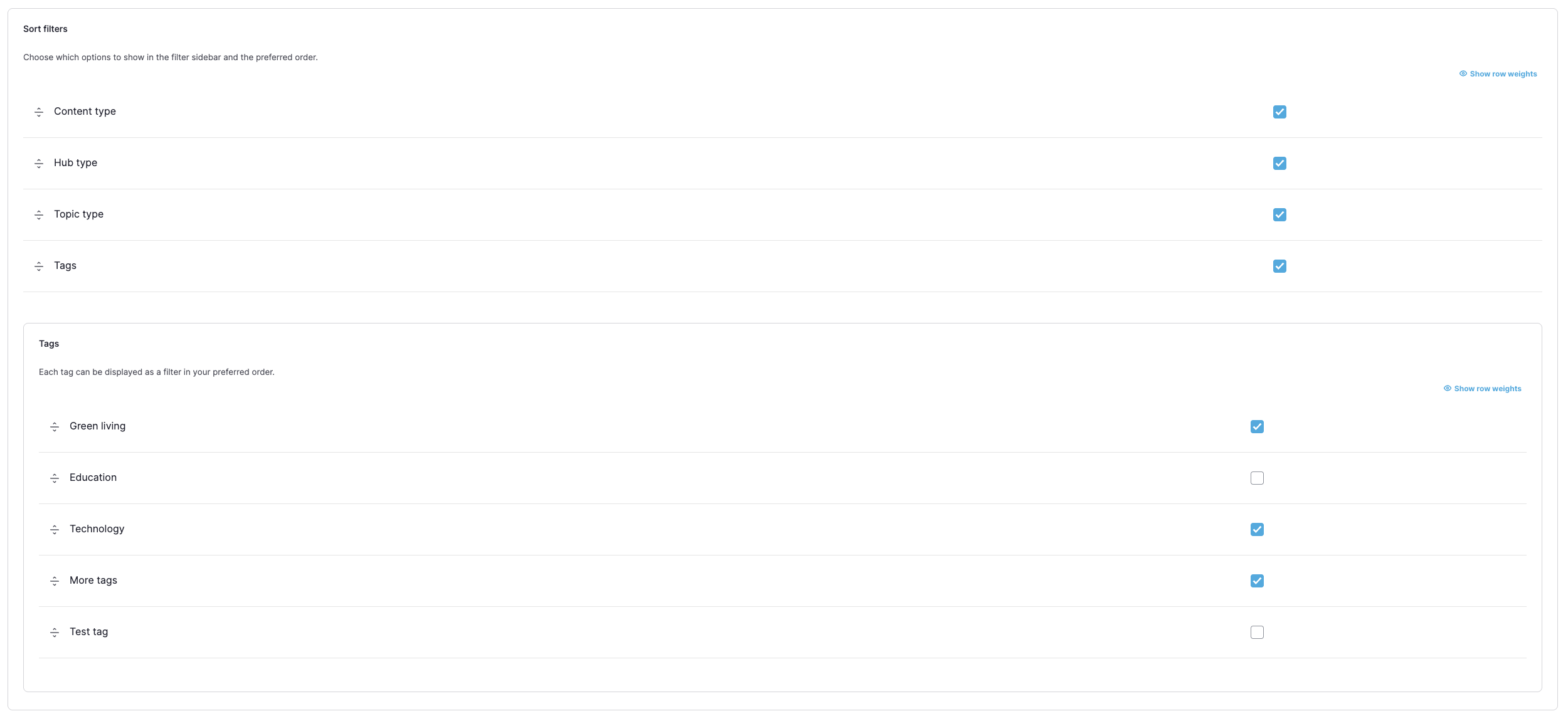
Community manager
(site and content managers)
The Social Resource Library module allows Community Managers to create a library with specific content. This makes content easier to find and browse. Community members can use the resource library to find hand-picked content from community managers.
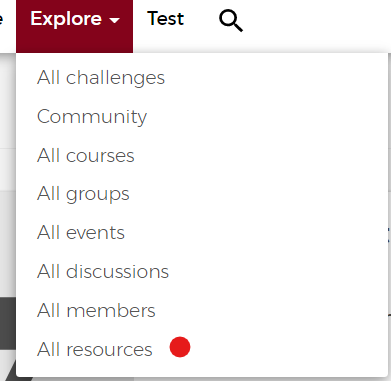
The resource library can be found at the url /search/resources and by default it is placed under the explore button via ‘All Resources’.
Note: Examples of the types of content that can be added are manuals, research papers, and company news (only content created through Topic).
Regular User
(Logged in user)
- On the left top, you can see the number of resources.
- On the top, you can search for terms in the resources.
- In the right sidebar, you can filter the resources by content type, hub type topic type and content tags. Filter can be enabled, disabled and re-ordered by the Site Manager in the configuration page